This post is part of our complete 2026 guide to AI agents — jump there for architecture, platform picks, model comparisons, and a deploy walkthrough.
Most people think of AI as a chat window. You type a question, you get an answer, you move on. That's useful — but it's not an agent.
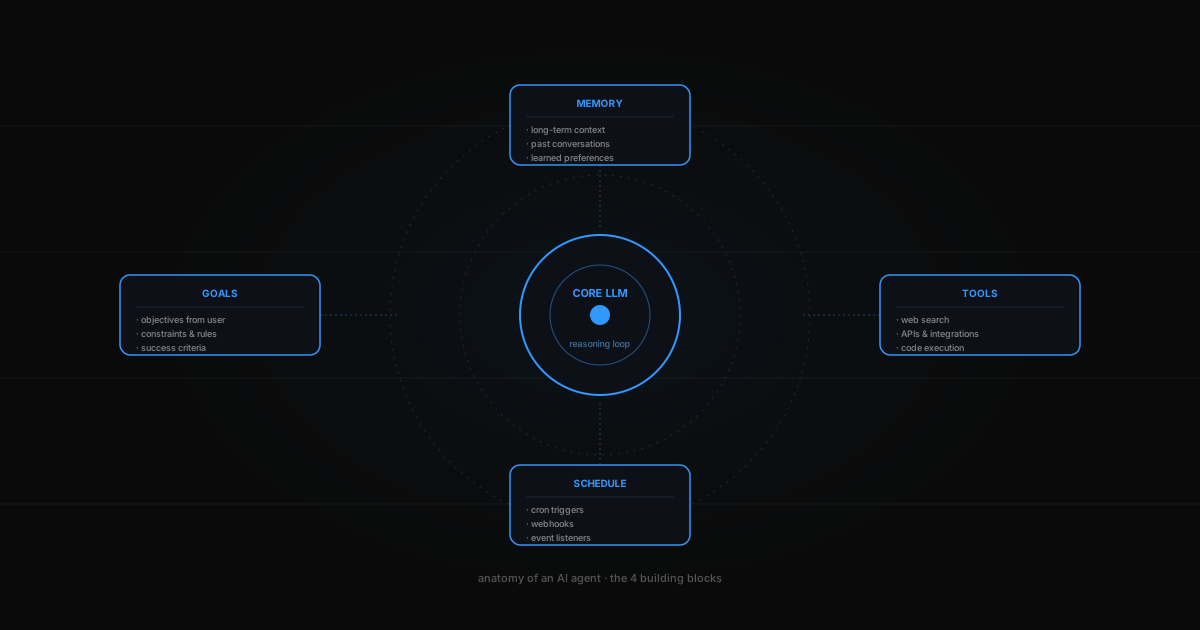
An AI agent is software that acts on your behalf. It has goals, tools, and memory. You tell it what you want, and it figures out how to get it done — browsing the web, sending emails, reading documents, running code, calling APIs. It works while you sleep.
Chatbot vs. Agent
| Chatbot | Agent | |
|---|---|---|
| Trigger | You ask a question | You set a goal |
| Scope | One response | Multi-step workflow |
| Tools | Text only | Web, email, APIs, code |
| Memory | Per conversation | Persistent across sessions |
| Timing | Synchronous | Runs 24/7, on schedule |
The difference is autonomy. A chatbot answers. An agent does.
What can an agent actually do?
Here are real examples from Klaws users:
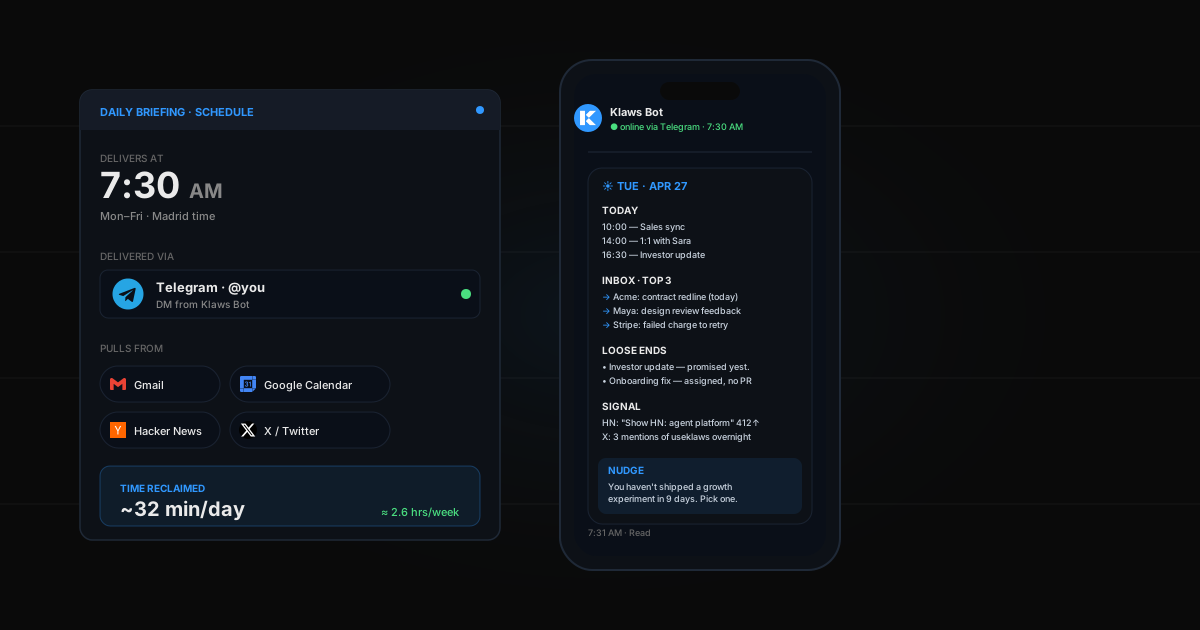
- Monitor competitors — your agent checks competitor websites, pricing pages, and social media every day and sends you a weekly briefing
- Manage social media — it drafts posts in your voice, schedules them at peak hours, and engages with replies
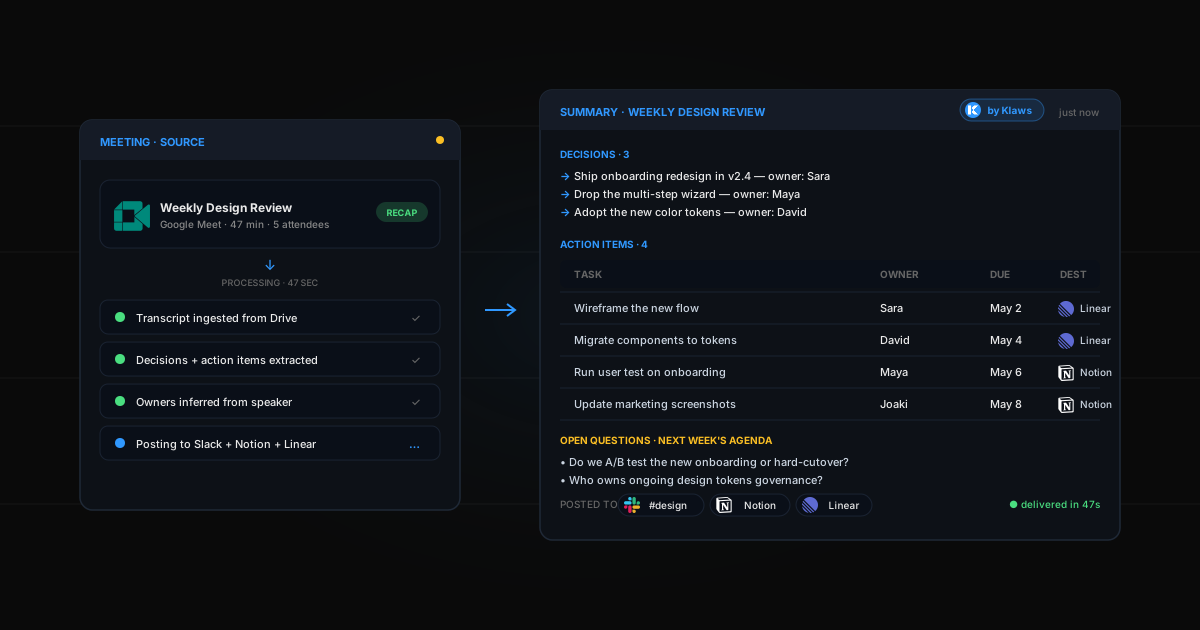
- Research anything — give it a question, come back to a structured report with citations
- Track crypto wallets — it watches on-chain activity and alerts you on Telegram when something moves
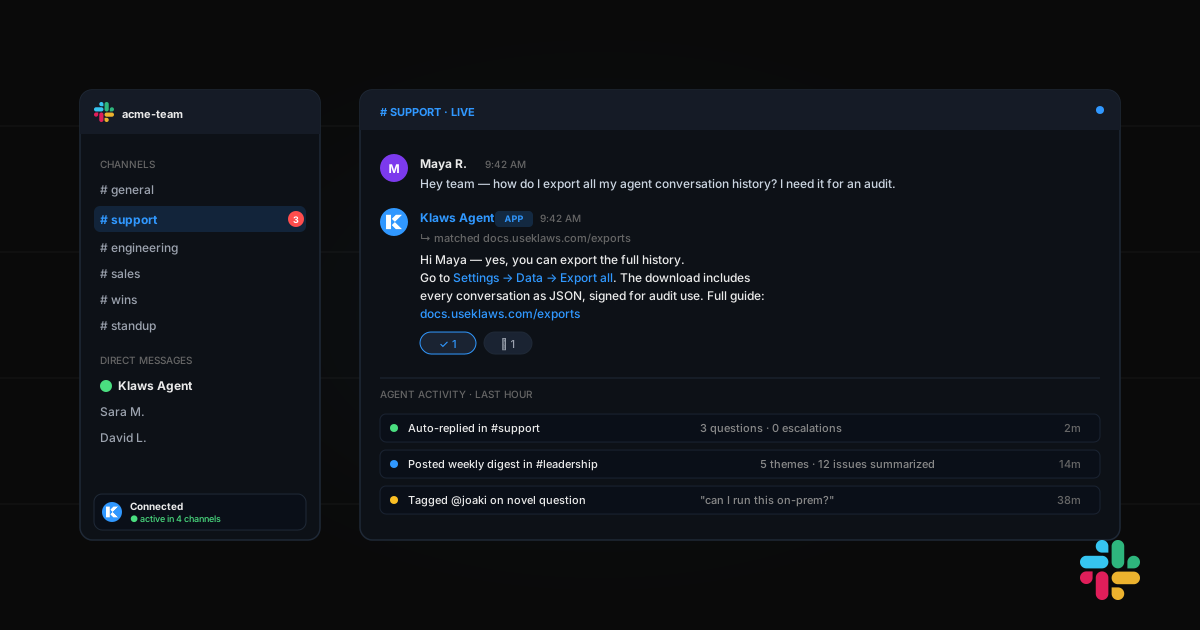
- Automate email — it reads incoming messages, drafts replies, and flags what needs your attention
Why now?
Three things changed in 2025 that made agents practical:
- LLMs got reliable enough to follow multi-step instructions without hallucinating mid-task
- Tool use became native — models can now call APIs, browse the web, and execute code as part of their reasoning
- Cost dropped 90% — running an agent 24/7 costs less than a coffee per month
The result: what used to require a team of virtual assistants now runs on a single agent that learns your preferences over time.
Getting started
If you've never used an agent before, the best way to start is with a single, concrete task. Don't try to automate your entire life on day one. Pick one thing that eats your time every week — monitoring competitors, posting on social media, summarizing research — and let your agent handle it.
Once you see it working, you'll find ten more things to hand off.