Your Gmail AI agent. Works while you sleep.
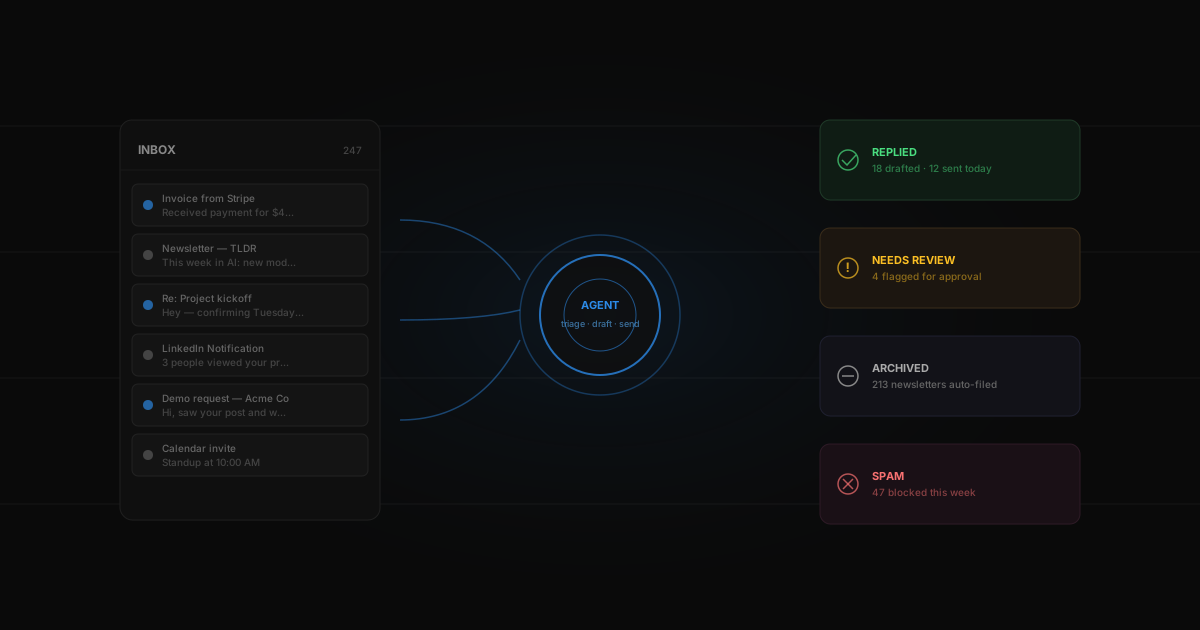
Connect Klaws to your Gmail inbox and let your agent read, triage, draft replies, and flag what matters. It learns your style from your sent folder and replies in your voice. You review and send — or let it handle routine messages itself.
Your agent with Gmail
How it works
Sign up for Klaws and deploy your agent.
Connect your Gmail account with one click (Google OAuth).
Your agent starts reading + triaging new emails immediately.
Drop this in and ship.
The prompt below is a working starting point for Gmail. Copy it, paste it into your Klaws agent, tune to your stack — and you're running.
Klaws vs Gmail's built-in AI
Gmail's Smart Reply is great for 'Sounds good'. For anything more, you need an actual agent with your voice and your other tools.
Writes in your voice
Not Google's generic tone. The agent trains on your sent folder and matches your sentence length, formality, and sign-off style.
Acts across tools
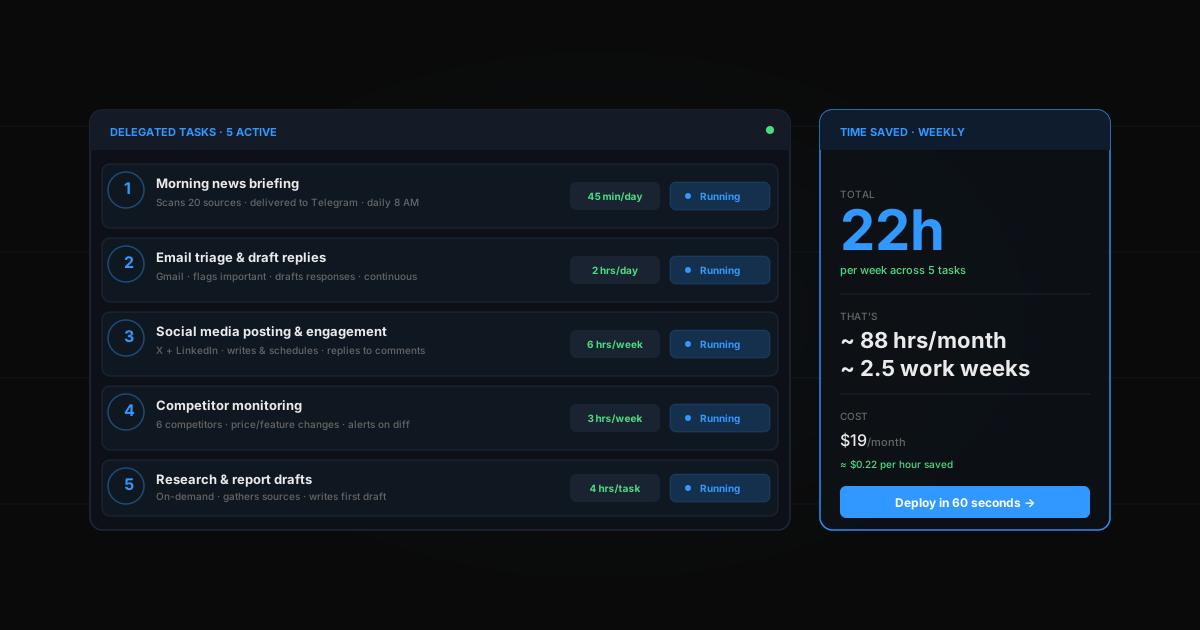
Creates Linear issues, books Calendar events, pushes to Sheets, posts to Slack — Gmail AI can only suggest text inside an email.
Runs without Gmail open
Background triage while you sleep. Open your inbox in the morning and it's already sorted.
Searches 10 years of history
Pulls context from old threads when drafting replies, so the answer is informed — not just plausible.
Learn more about Gmail
Common questions
Does Klaws read all my emails?
Only the ones your agent needs to process. Access scope is limited and revocable at any time from your Google account settings.
Can my agent send emails on my behalf?
Yes, with your approval. You can configure the agent to auto-send routine replies, or keep all drafts requiring manual review.
Is my Gmail data used to train models?
Never. Your email content is processed in-memory for each request and not stored long-term or used for training.
Which Gmail labels work best for automation?
Users get the most value from labels like 'Needs reply', 'Auto-handled', and 'Priority'. The agent learns your labeling pattern and applies them consistently — you stop labeling manually after a week.