The average professional spends 2.5 hours per day on email. Most of it is noise — newsletters, cold outreach, meeting requests that could be handled with a calendar link. The important messages get buried.
An AI agent fixes this by becoming your email gatekeeper.
What email automation actually looks like
This isn't about auto-replies that say "I'm out of office." Your agent:
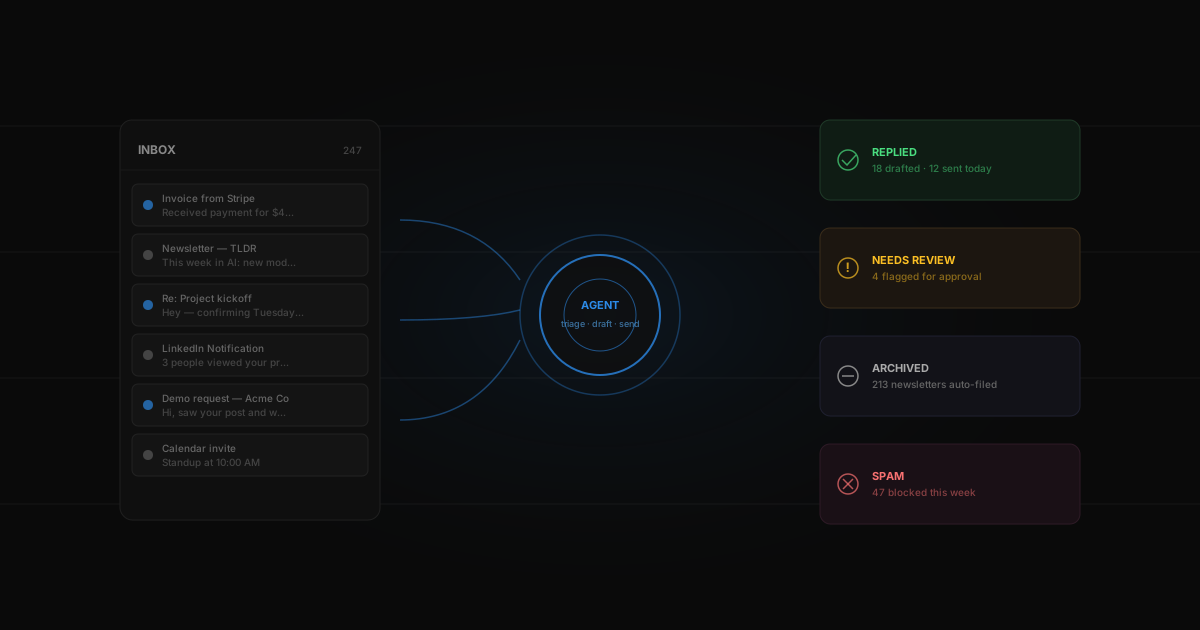
- Reads every incoming email and understands context and urgency
- Archives the noise — newsletters, promotions, spam
- Drafts replies for routine messages in your voice
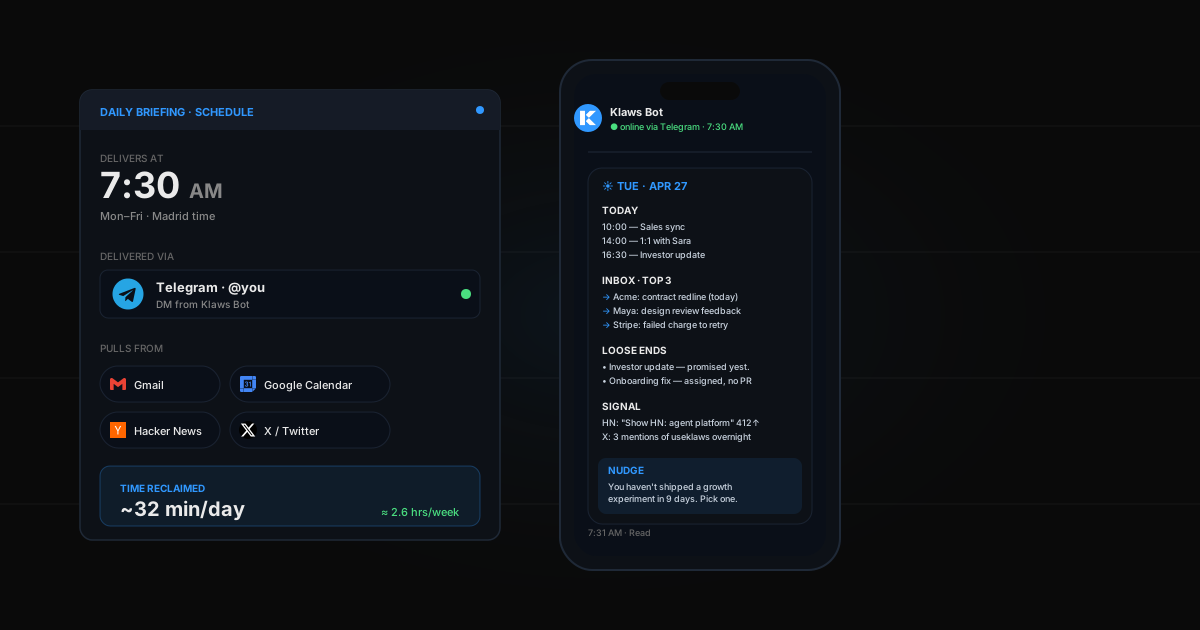
- Flags urgent items and sends you a summary on Telegram
- Handles meeting requests by checking your calendar
The key difference: it learns your writing style from your sent folder. Replies sound like you, not like a bot.
A real example
You're going on vacation for two weeks. Before you leave, you tell your agent to handle your inbox.
While you're gone, 520 emails come in:
- 340 newsletters and promotions → archived
- 45 cold outreach → politely declined
- 87 routine emails → responded (meeting requests, intros, simple questions)
- 48 important messages → held for your review with drafted replies
When you get back, your inbox has 48 items instead of 520. Each one has a suggested reply you can send with one click.
How to set it up on Klaws
- Connect your Gmail from the Integrations page
- Tell your agent: "Read my emails, archive newsletters, draft replies for routine messages, and alert me on Telegram for anything urgent"
- Set your rules: what should be auto-handled, what needs review
- Your agent starts immediately — first daily summary arrives within 24 hours
What about privacy?
Each agent runs in its own isolated environment. Your emails are never shared with other users or used for training. You control exactly what your agent can access and do.
The bottom line
Email automation isn't about replacing you. It's about freeing you from the 80% of email that doesn't need your brain — so you can focus on the 20% that does. You can also use your email data to build a personal CRM that tracks all your relationships automatically.