If you're new to the category, start with our complete 2026 AI agents guide — this post assumes you already know what an agent is and want to pick one.
The AI agent space exploded in 2025. Every week there's a new platform promising autonomous AI that runs your life. Most are developer tools in disguise. A few are actually usable.
Here's an honest comparison for people who want an agent, not a SDK.
What makes a good AI agent platform?
Before the comparison, here's what to look for:
- Setup time — Can you deploy in minutes, not days?
- No code required — Plain English, not Python
- Real integrations — Gmail, Telegram, Discord, X, Calendar
- Persistent memory — Remembers across sessions
- Scheduled tasks — Runs while you sleep
- Transparent pricing — No "contact sales"
The platforms
Klaws
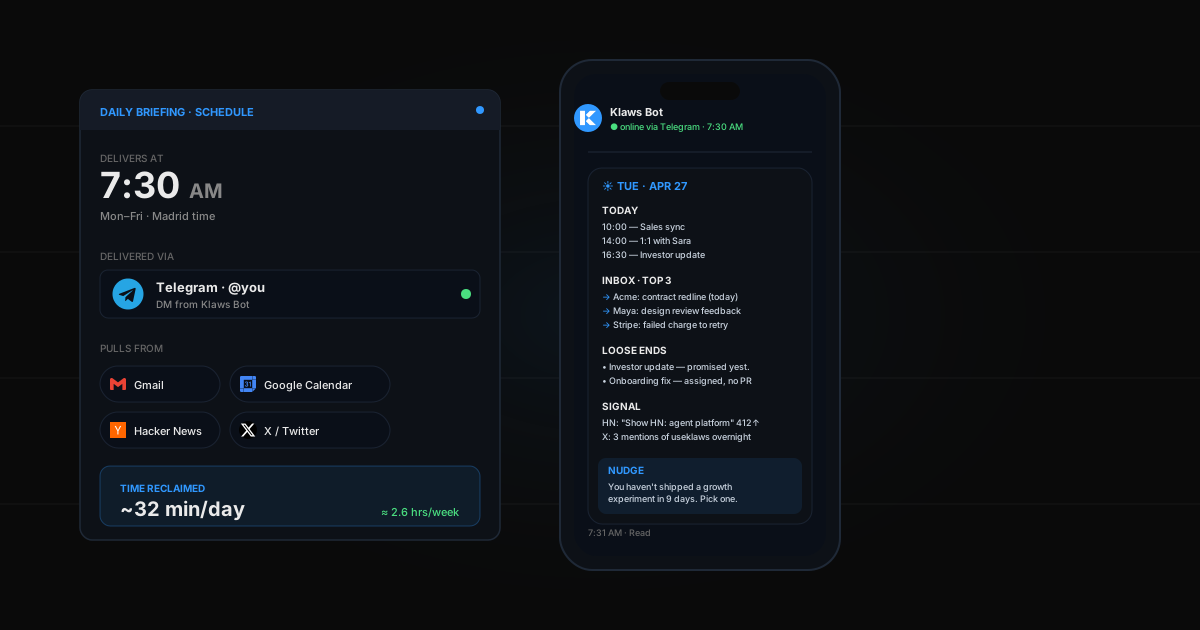
What it is: A personal AI agent platform built for non-technical users. Deploy in 60 seconds, connect integrations with one click, talk to it from any chat app.
Strengths:
- Fastest setup (60 seconds)
- 50+ curated skills across 24 categories, plus auto-learning
- Canvas (build and deploy websites, docs, presentations)
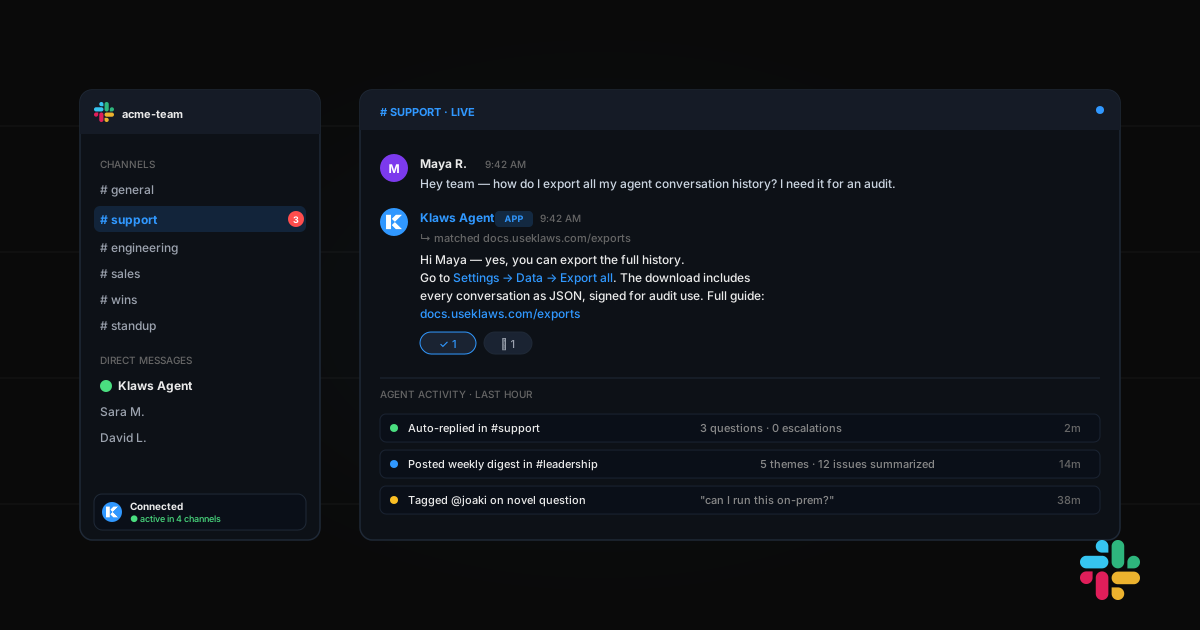
- Multi-channel (web, Telegram, Discord)
- Persistent memory that compounds across sessions
Weaknesses:
- Newer platform, smaller community
- No enterprise features yet
Pricing: $19/mo Starter, $49/mo Pro, $99/mo Ultra. 3-day free trial.
ChatGPT (with Custom GPTs)
What it is: OpenAI's chat interface with custom instructions and some tool use.
Strengths:
- Huge ecosystem
- GPT-4/5 quality
- Code Interpreter and web browsing
Weaknesses:
- Not an agent — still needs you to drive
- No persistent cross-session memory (outside chat)
- Can't run on a schedule
- No real integrations (just plugins)
- Chat-only interface
Pricing: $20/mo Plus.
Auto-GPT / BabyAGI / AgentGPT
What they are: Open-source autonomous agent frameworks.
Strengths:
- Free
- Powerful if you can run them
- Full control over behavior
Weaknesses:
- Require technical setup (Python, APIs, self-hosting)
- Unreliable in production
- No UI for non-technical users
- You're responsible for everything
Pricing: Free + your own LLM API costs.
Zapier AI / Make.com
What they are: Workflow automation tools with AI steps.
Strengths:
- Tons of integrations (5000+)
- Stable and mature
- Visual workflow builders
Weaknesses:
- Not really agents — they're workflows with AI sprinkled in
- Rigid structure (if-then logic)
- Expensive at scale
- No autonomous decision-making
Pricing: $30-100+/mo depending on usage.
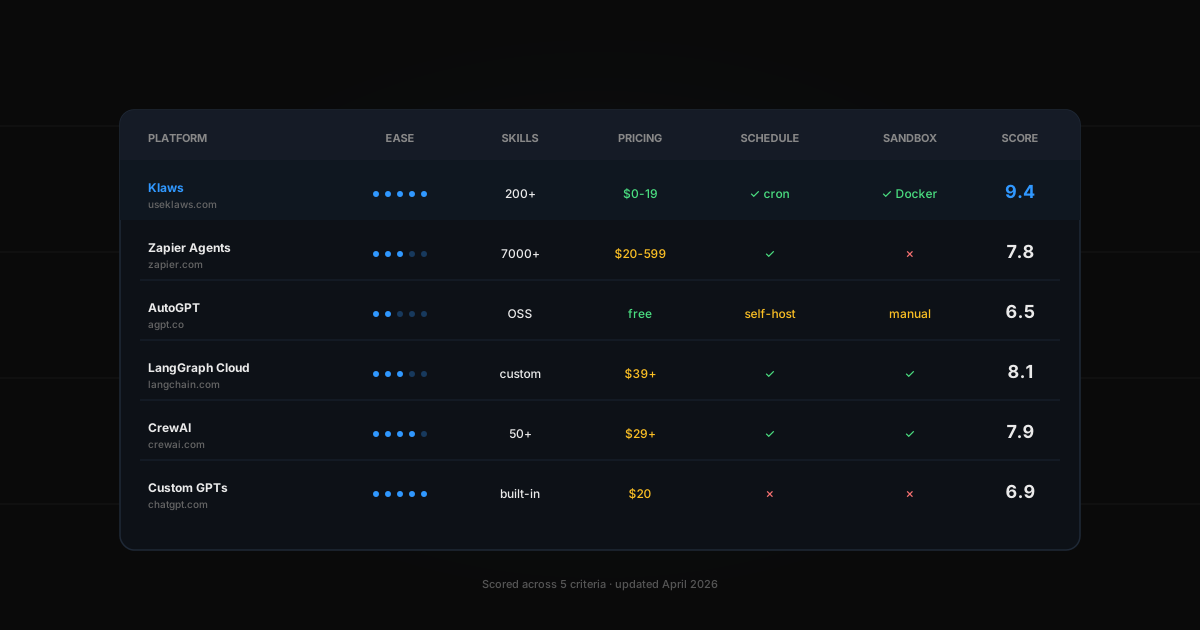
Comparison table
| Setup | No code | Integrations | Memory | Schedule | Price | |
|---|---|---|---|---|---|---|
| Klaws | 60s | Yes | 10+ native | Yes | Yes | From $19/mo |
| ChatGPT | Instant | Yes | Limited | No | No | $20/mo |
| Auto-GPT | Hours | No | Manual | Manual | Manual | Free + costs |
| Zapier AI | Minutes | Partial | 5000+ | No | Yes | $30-100+/mo |
Who should use what?
- If you want conversations — ChatGPT (see AI agent vs. ChatGPT)
- If you want workflows — Zapier (see Klaws vs Zapier Agents)
- If you're a developer — Auto-GPT (or CrewAI)
- If you want a personal AI that actually does things — Klaws
The test that matters
Ask yourself: "Can I deploy this tonight and have it running a task by tomorrow morning?"
If yes, it's worth trying. If no, it's a tool for developers, not users.