Anthropic's Claude Code is the de-facto developer CLI for agentic coding. As of April 2026 it ships with Opus 4.7, Routines (scheduled sessions), multi-agent orchestration, and a new agent-based Code Review feature. If you live in a terminal, it's the strongest shipping agent experience right now.
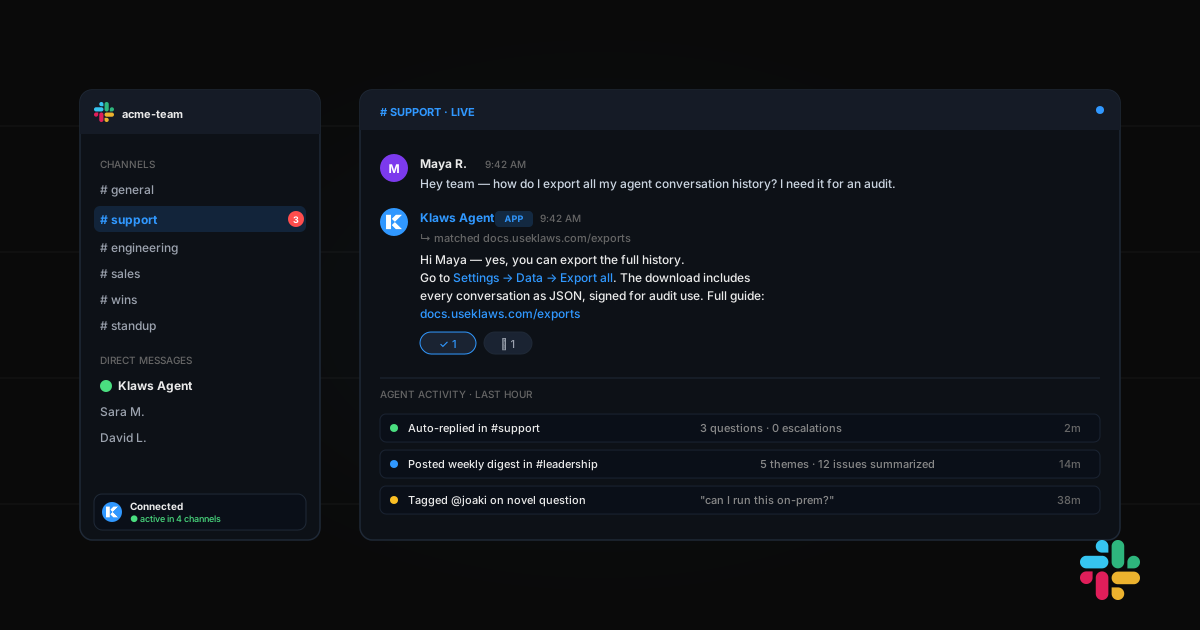
Klaws is a different kind of product. It's a personal AI agent that runs in your browser, on Telegram, on Discord, or via any connected channel. You don't install it, you don't configure MCP servers, you don't write SKILL.md files. You deploy your agent in 60 seconds and start giving it tasks in plain English.
Here's the honest technical comparison — what each is good at, what each breaks on, and how to pick.
The mental model
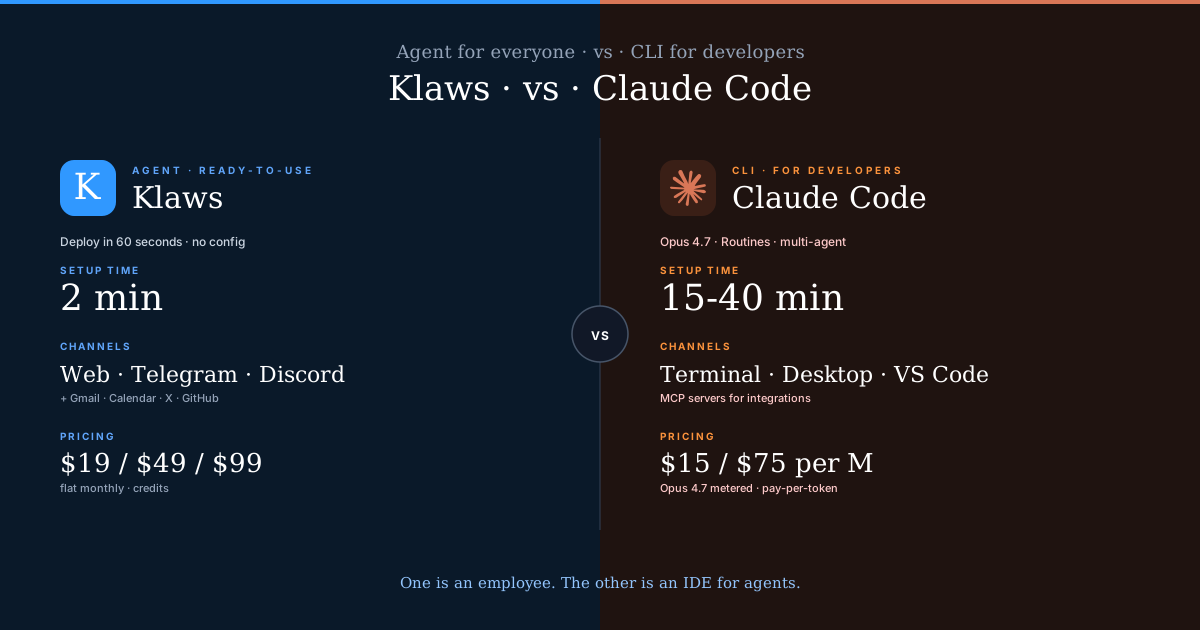
Claude Code is an IDE for agents. You are the orchestrator. You start a session, you review the plan the agent proposes, you approve tool calls, you inspect file diffs, you merge. The agent executes but you drive.
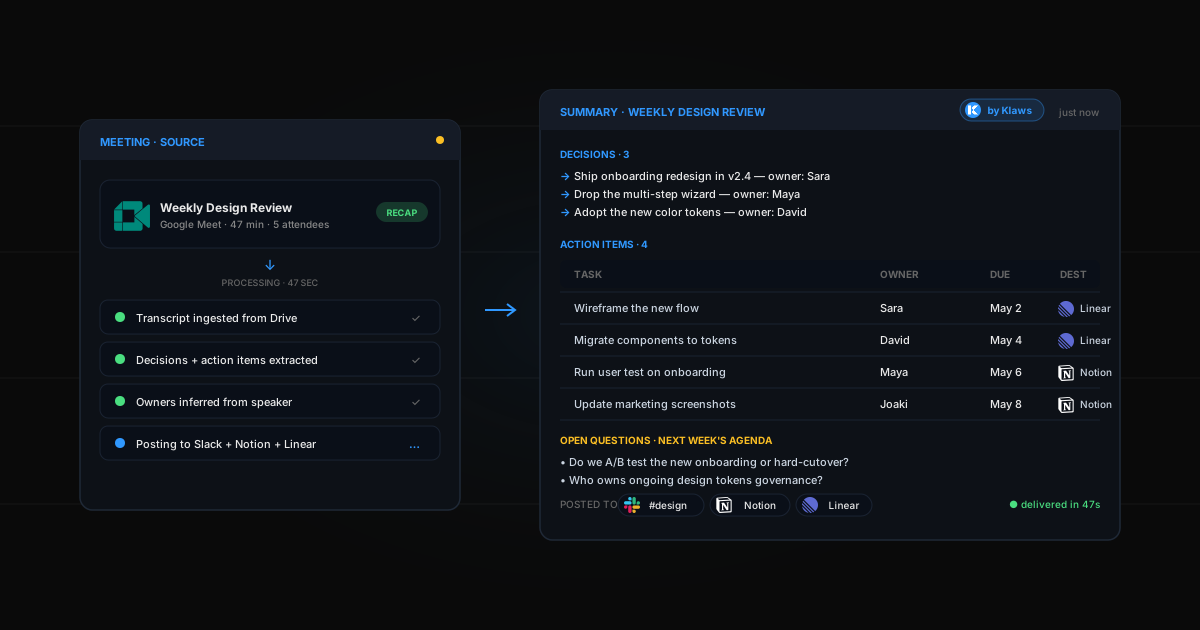
Klaws is an employee. You tell it goals and delegate outcomes. It runs on its own server 24/7, uses its own memory across sessions, schedules its own recurring work, and reports back when something needs attention.
Different abstractions. Both valid. Most people pick the wrong one because the marketing blurs the distinction.
Setup and first task
Claude Code:
npm install -g @anthropic-ai/claude-code(or install the desktop app)- API key from console.anthropic.com
- Optional: configure MCP servers, write a CLAUDE.md, set up Routines
- Start a session. Give it a task. Approve tool calls as it runs.
Realistic first-task time: 15-40 minutes for setup, then session-by-session friction.
Klaws:
- Sign up with Google.
- Name your agent. Pick a personality.
- 60 seconds later, it's live at your dashboard, on Telegram, on Discord.
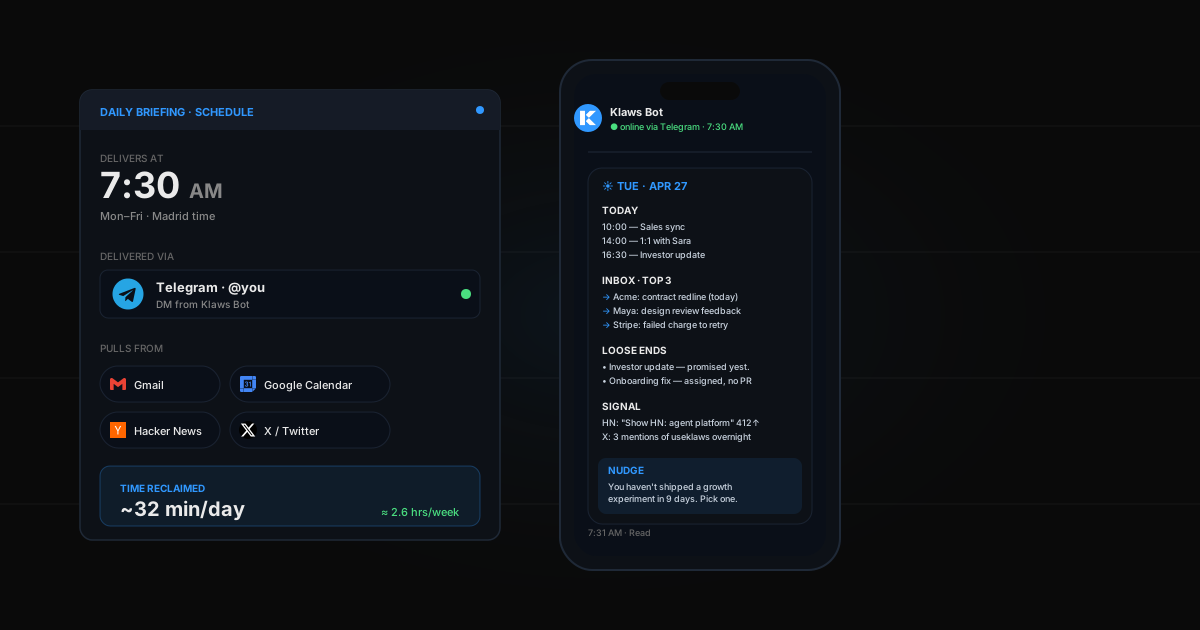
- Say "every morning at 8am send me top 5 Hacker News stories in AI" — done. Runs forever.
Realistic first-task time: 2 minutes. Zero config files.
Integrations
Claude Code uses MCP for integrations. Powerful, composable, and very developer-facing. You configure servers in ~/.claude/claude_desktop_config.json or an MCP registry. Enterprises love this. Solo founders find it intimidating.
Klaws ships with native integrations for Gmail, Calendar, Telegram, Discord, GitHub, X, Reddit, plus a curated Skills Hub that installs in one click. No config. Your agent discovers new skills through conversation.
Both can do roughly the same things. The difference is who sets it up.
Scheduled work
This is the Claude Code April 2026 headline feature: Routines. You configure a session once, then run it on a schedule / API call / event trigger. It's a big step forward for automation.
Klaws has had scheduled tasks since day one via the Scheduled Tasks use case. Cron jobs in plain English: "every Monday at 9am, research my top 3 competitors and email me the report" — your agent writes the cron job for itself.
Same capability. Different level of manual setup.
Memory and long-horizon work
Claude Code keeps session-level memory and a project-specific CLAUDE.md file. Opus 4.7 extends long-running agent work to several hours reliably. Memory is still file-based and project-scoped.
Klaws uses a per-agent memory layer — your agent remembers preferences, decisions, recurring contacts, previously-done research — across every session, channel, and schedule. If you tell it something on Telegram Monday and ask follow-up in the web dashboard Friday, it remembers.
Different scopes for different use cases. Developers want project memory. Personal agents need cross-context memory.
Pricing
| Klaws | Claude Code | |
|---|---|---|
| Entry | $0 (3-day trial) | $20/mo Claude Pro |
| Most users | $19/mo Starter (700 credits) | $100-200/mo via API metered |
| Power | $99/mo Ultra (7,000 credits) | $400+/mo at scale |
| Billing unit | Credits per month, flat | Pay-per-token (Opus 4.7: $15/$75 per M) |
| Predictability | Fully predictable | Bills scale with usage |
Claude Code at Opus 4.7 rates costs ~$90 per million output tokens. A serious agent doing 5-10 hours of work per day hits $200+/month fast. Klaws runs multi-model: Gemini 3 Flash default, Opus for the hard tasks, Kimi K2.6 for coding — you pay flat credits, we route.
When to pick Claude Code
- You're a developer and your work product is code
- Your workflow already lives in a terminal + IDE
- You need deep MCP ecosystem integration (custom servers, enterprise stack)
- You want full control over tool calls, every approval, every diff
- Per-token billing doesn't bother you
When to pick Klaws
- You're a founder / creator / operator and your work product is business outcomes, not code
- You don't want to configure anything
- You want one agent that shows up on web, Telegram, Discord, and your inbox
- You want scheduled tasks + memory that persists without a project folder
- You need predictable monthly billing
They're not competitors — they overlap on 20%
Claude Code owns software engineers building software. Klaws owns everyone else who needs an autonomous worker. The overlap is a narrow slice in the middle: technical founders who could use either.
For that slice, we'd say: use Claude Code in your IDE while you're coding. Use Klaws for everything outside the IDE — the research, the outreach, the scheduled posts, the daily digests, the monitoring. They complement each other. If you're on Klaws and need deep code work, nothing stops you from firing up Claude Code for the actual commit.
The 30-second test
Open your calendar. Look at what's on it for next week.
- If 80%+ of your hours are writing code inside an IDE — Claude Code.
- If you spend half your time in meetings, outreach, planning, content — Klaws.
Try Klaws for free
Three-day trial. 100 credits. Full access. No integration setup. Start here →
For more comparisons, see our Klaws vs Lindy, Klaws vs CrewAI, and 2026 platform roundup.