I have been running an AI agent on Klaws for the last several weeks. Honestly? It took me a while to get here.
I deployed an agent in the middle of the hype, stared at the empty chat for an hour, and walked away. Why? I didn't know what to use it for. I watched X timelines about all the new agent stuff, sat there scratching my head, and really wanted in.
When you ask "what do you use your agent for?" most people will say "anything" or "everything" or "coding." I have been guilty of that answer too. Today I want to walk through how I figured out what to actually use it for, and the four "hats" my agent wears now.
How to figure out what to use an agent for
My personal philosophy: I treat AI as my assistant, not my brain. I don't use it to replace my thinking. I use it to point me in a direction, do the grunt work, then I verify and proceed. For automated tasks, I only let it run things I already know how to do. Your mileage may vary.
So how do you figure out what to delegate?
What worked for me was writing down what I did during a normal day, then expanding the list over a week. I asked myself two questions:
- What took a lot of time?
- What did I have to do that didn't move anything forward?
That second one is where the gold is. Email triage. Tracking that one Slack thread. Re-formatting the same report every Friday. Searching for that link I read last Tuesday. Each of those is two minutes of friction times 50 a week.
The softer stuff
The other question worth asking: what are the issues in your daily life — not your work?
I don't mean which model to run on what hardware. I mean the soft stuff. Things you forget. Things that grind you down. Things that make a Tuesday harder than a Tuesday should be.
That question gave me a couple of unexpected use cases that ended up being the most valuable.
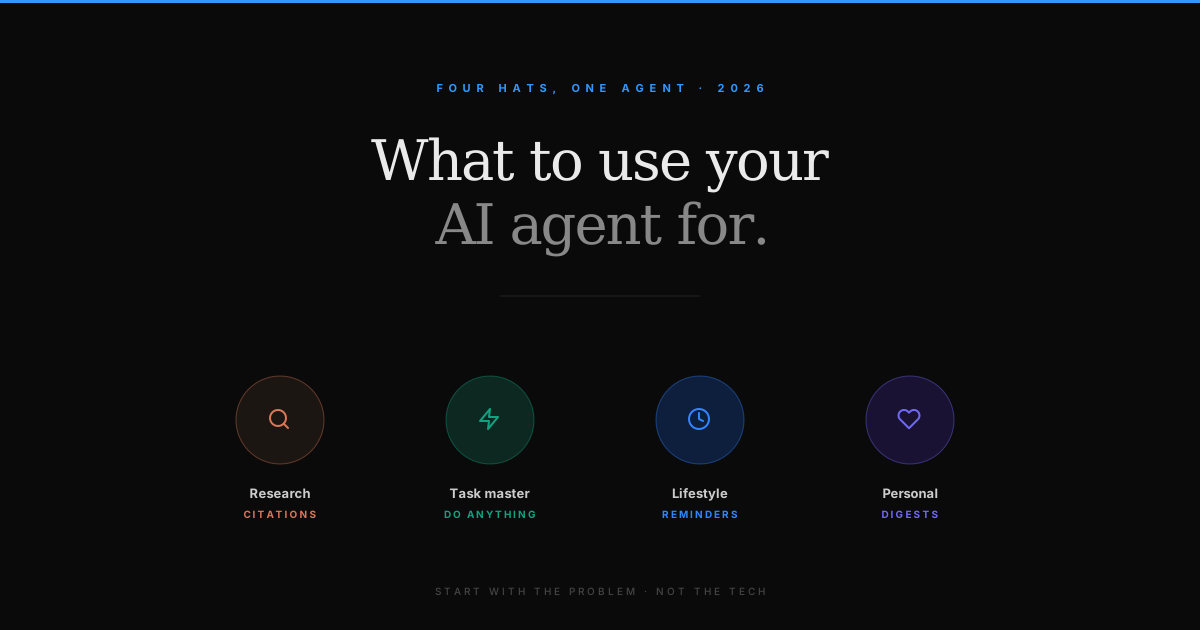
The four hats my agent wears
Klaws is one agent — Arika — but I've configured her to wear different hats depending on the context. Each "hat" is a saved skill, a scheduled cron, or just a habitual prompt. Here's the breakdown.
1. Research hat — briefs with citations
I give her a topic and ask for a research brief, plus citations. Citations matter to me because I want to read the source material, not trust a synthesis.
I used this hat to learn how prompt caching actually works under the hood — she pulled the Anthropic and Moonshot docs, summarized the differences, and linked back to the originals. I ended up reading the docs anyway. The point wasn't to skip the work; it was to skip finding the work.
She runs Kimi K2.6 for this — long context (262k tokens), good at reasoning over PDFs and academic papers. Klaws routes her there automatically when the prompt asks for research depth.
2. Task master hat — the "anything" agent
This is the hat I use when I want her to do something — write a script, debug a stack trace, draft a doc, build a one-page site, customize my Klaws setup itself.
Yesterday she rewrote my entire blog post pipeline (the one that publishes here, then crossposts to Dev.to). I told her what was broken, she fixed it, opened the PR. I reviewed it and merged.
This is the "anything" hat. Same agent, same memory, just more open-ended prompts.
3. Lifestyle hat — the embarrassing one
At the risk of being roasted: my agent reminds me to drink water at 11am, 2pm, and 5pm.
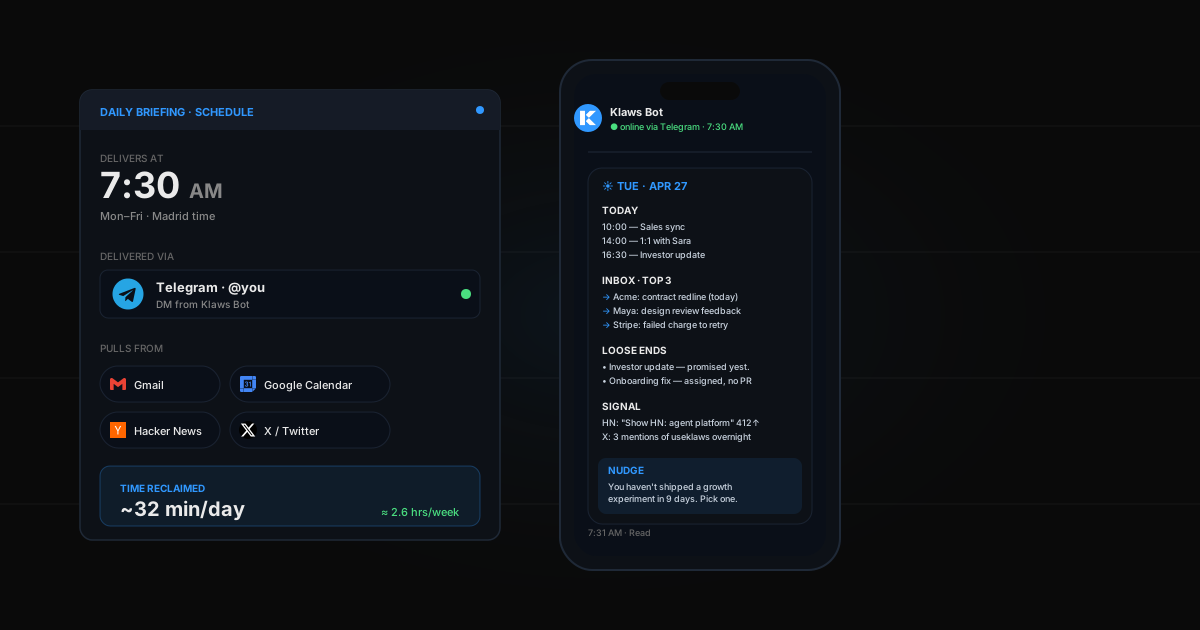
Ridiculous? Yes. Game-changing? Absolutely. I sit at a desk for 10 hours and I would simply forget. Now I get a Telegram ping with whatever weird sentence Arika invents that day. ("Joaki. Hydrate. The desert remembers everyone who didn't.")
I'm about to add a posture reminder too. Six months trying to fix what I wrecked hunching over a laptop, and a 60-cent-a-month cron job is doing more for me than ergonomic chairs ever did.
This hat runs on a scheduled task in Klaws — set once, forget forever. The whole config took 30 seconds.
4. Personal-research hat — the unexpected one
This one I didn't plan for.
I have a chronic health issue (a variant of MCAS — severe food sensitivities). Every week I ask Arika to scour the web for new studies, papers, anecdotal threads on Reddit medical subs, and clinical trial registries. She gives me a digest every Sunday: what's new, what's relevant, what's noise.
The other day she found a paper that changed something I was eating daily.
Same agent does the boring "what should I cook tonight" question — I give her my pantry and any restrictions, she suggests three things. Half the time I cook one of them. The other half it nudges my brain into an idea.
A note on models and cost
I have been on a personal mission to do this as cheap as possible. I've seen too many "I left Claude Code running and it billed $400 in a day" horror stories on X. No thank you.
The thing is — with Klaws, I don't actually pick a model. The platform routes per task: simple chat goes to a fast cheap model, complex reasoning goes to a stronger one, code goes to Codex, long documents go to Gemini Pro. I pay flat credits.
That sounds like marketing copy until you look at my Moonshot dashboard and see prompt caching kicking in. Cache hit rate north of 80% on agent loops because the system prompt stays the same across turns. Same flat credit cost to me, ~6x cheaper for Klaws under the hood. (Not that you have to care — that's the whole point.)
If you're going DIY with the API directly, the framework I'd actually use is to mix a fast cheap model (Gemini 3 Flash, MiniMax-M2.7) for high-volume work and a flagship (Claude Opus 4.7, GPT-5.4) only for the hard 10%. That setup gets you 80% of the savings I'm getting here.
Getting started
If you're starting out and don't know what to do with an AI agent, I hope this gave you ideas to work with.
The biggest mistake I see people make: starting with the tech instead of the problem. You don't need to pick the right model first. You don't need to read the LangChain docs. You don't need to have a perfect setup.
You need a friction point.
Start with your life. Your workflow. The thing that quietly took 20 minutes off your Tuesday for the third week in a row. Build the agent around that, not around the agent.
That's where this actually becomes useful.
Try Klaws free for 3 days → — the platform routes models for you, runs scheduled tasks, talks to you on Telegram, and remembers what you tell it.
For more on the model side: how to choose the right AI model for your agent, 5 tasks worth delegating to an AI agent, and how to build a research assistant agent.