Web chat is fine. But your phone is where you actually live. Hook your agent into Telegram and you can fire off tasks from anywhere — the grocery store, a meeting, bed at 2 AM.
Why Telegram?
- Fast, reliable, works everywhere
- Free for personal use
- Perfect for notifications and quick chats
- Your agent can push alerts to you without you opening an app
The setup (5 minutes)
Step 1: Create a Telegram bot
- Open Telegram and search for @BotFather
- Send /newbot
- Give it a name (e.g., "My Agent")
- Give it a username ending in bot (e.g., my_agent_bot)
- BotFather sends you an API token — copy it
That's your bot. It doesn't do anything yet.
Step 2: Connect it to Klaws
- In Klaws, go to Integrations in the sidebar
- Click Telegram
- Paste your bot token
- Click Connect
Your bot is now wired to your agent.
Step 3: Start chatting
Open Telegram, find your bot, send a message:
"What can you do?"
Your agent replies. You're now chatting from your phone.
What to do with it
Quick tasks on the go
You're walking to lunch and remember you need to follow up with someone:
"Remind me to email Sarah about the Q4 proposal at 3pm"
Your agent sets a reminder. At 3pm, you get a ping with a draft reply ready.
Voice commands
Telegram supports voice messages. Your agent transcribes and responds. Walk-and-talk productivity.
"Find me a recipe for chicken thighs with lemon and rosemary"
30 seconds later, recipe in your pocket.
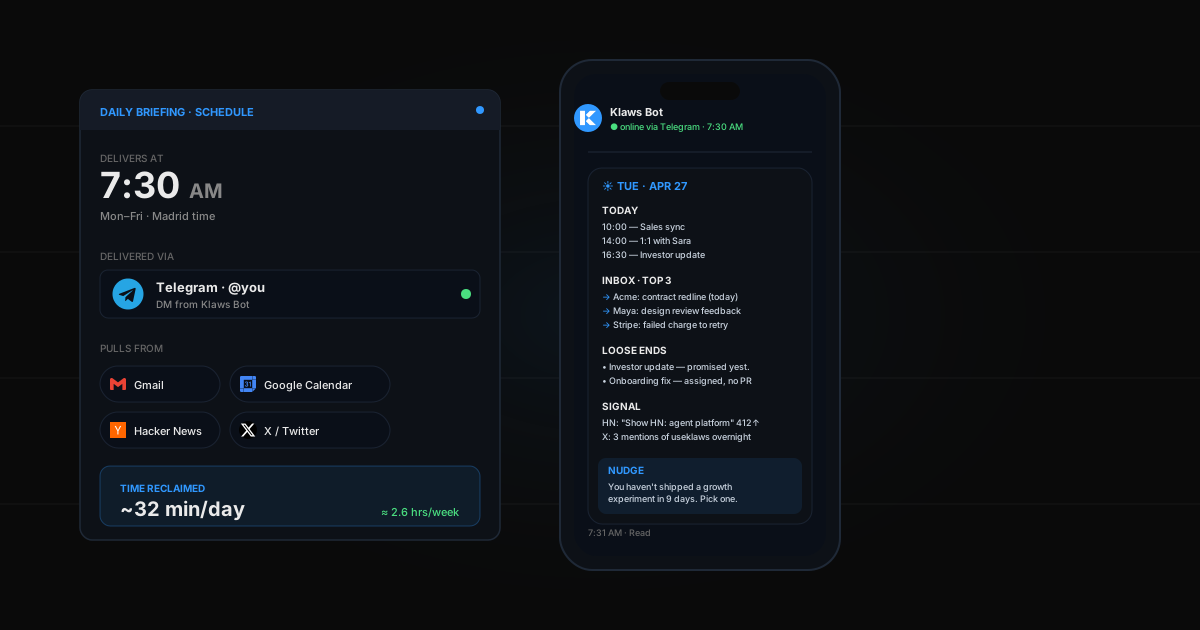
Morning briefings
Set your agent to send you a daily briefing at 9am:
"Every morning at 9am, send me a Telegram with my calendar for today, any urgent emails, and top competitor news"
Wake up, check your phone, know what's important in 30 seconds.
Real-time alerts
"If anyone emails me with 'urgent' or 'ASAP' in the subject, send me a Telegram immediately"
Your agent watches your inbox and pings you when it matters.
"Alert me on Telegram if my website goes down"
Your agent pings every 5 minutes. If it fails, you know within minutes. For more on scheduled automations, see how to automate recurring tasks.
Privacy
Your bot is private — only people you give the username to can find it. The token stays encrypted in Klaws. Your messages are handled by your own agent in its isolated environment.
What about groups?
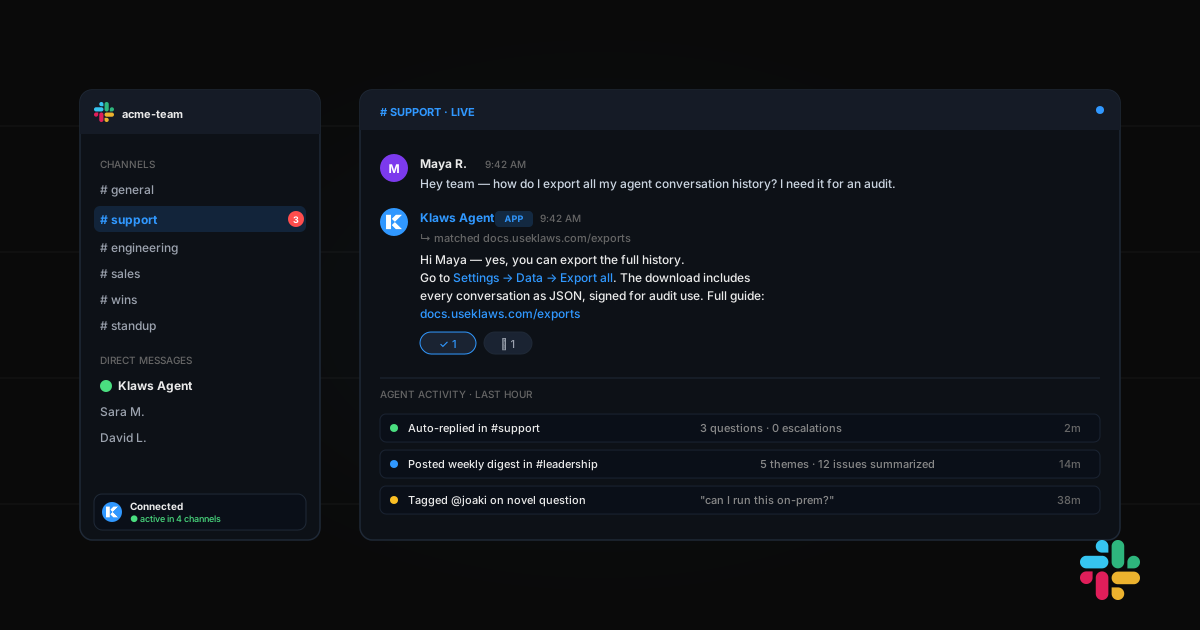
You can add your bot to Telegram groups. It'll respond when tagged. Useful for:
- Team coordination
- Family groups ("remind us about mom's birthday next week")
- Customer support channels
Common issues
"Bot doesn't respond" — Make sure you sent /start to it first. Telegram requires this before the bot can message you.
"I get double replies" — You probably have two bots connected. Disconnect one from Integrations.
"Voice messages don't work" — Transcription works for most languages. If your language isn't supported, the agent will ask you to type.
Beyond Telegram
Once you have Telegram working, try the same with Discord, Slack, or even SMS. Your agent works across all of them with the same brain and memory. See our guide on automating Discord with AI for the setup walkthrough.